
This article contains affiliate links. We may earn a commission if you open an account — at no cost to you. We only recommend products we’ve researched and trust.
 Budgeting
Most Canadian families don’t fail at money because they lack willpower. They fail because every dollar requires a decision, and decision fatigue wins by Thursday. Money remains the top source of stress for Canadians, cited by 43% of respondents, ahead of health, relationships, and work combined. The families who escape that cycle aren’t more disciplined. They’ve built a system that moves money correctly without needing daily willpower to do it.
In This Article
- Why Manual Money Management Fails Busy Families
- Step 1: Build Your Control Centre Account
- Step 2: Automate Every Bill
- Step 3: Pay Yourself First, Automatically
- Step 4: Automate Your Investing
- Step 5: Put Credit Cards on Autopilot
- Step 6: Build In a Monthly Review
- Pros and Cons
- Where to Automate
- The Bottom Line
- Frequently Asked Questions
| Step | What It Does | Where It Lives |
|---|---|---|
| 1. Control Centre account | Receives income, funds everything else | High-interest chequing (EQ Bank or Neo Chequing) |
| 2. Bills | Paid automatically on a fixed schedule | Control Centre account |
| 3. Savings | Moves out before you can spend it | HISA or Neo Savings |
| 4. Investing | Recurring contribution, no manual transfers | Wealthsimple or similar |
| 5. Credit cards | Paid in full, automatically, every cycle | Linked to Control Centre |
| 6. Monthly review | 15 minutes, not daily monitoring | Calendar reminder |
Why Manual Money Management Fails Busy Families
A two-income household with kids is managing five to eight recurring obligations a month: mortgage or rent, daycare, utilities, two or three credit cards, RRSP or RESP contributions, insurance. Each one requires remembering a due date, checking a balance, and manually moving money. Miss one and you’re paying a late fee or an NSF charge, not because you don’t have the money, but because nobody moved it on time.
Forty-two percent of Canadians say they cope with financial stress by tracking expenses closely, and 29% by building a budget, but tracking and budgeting are maintenance tasks. They tell you what happened. Automation is different: it decides what happens before you have the chance to second-guess it.
Take a household earning $95,000 combined in Alberta, with a mortgage, daycare for one child, and two credit cards. Manually, that’s roughly six separate manual actions every two weeks — checking balances, timing transfers, remembering due dates. Automated, it’s zero, and the same household typically discovers within the first month that money was quietly leaking through a forgotten subscription or a late fee that automation now prevents by default.
Step 1: Build Your Control Centre Account
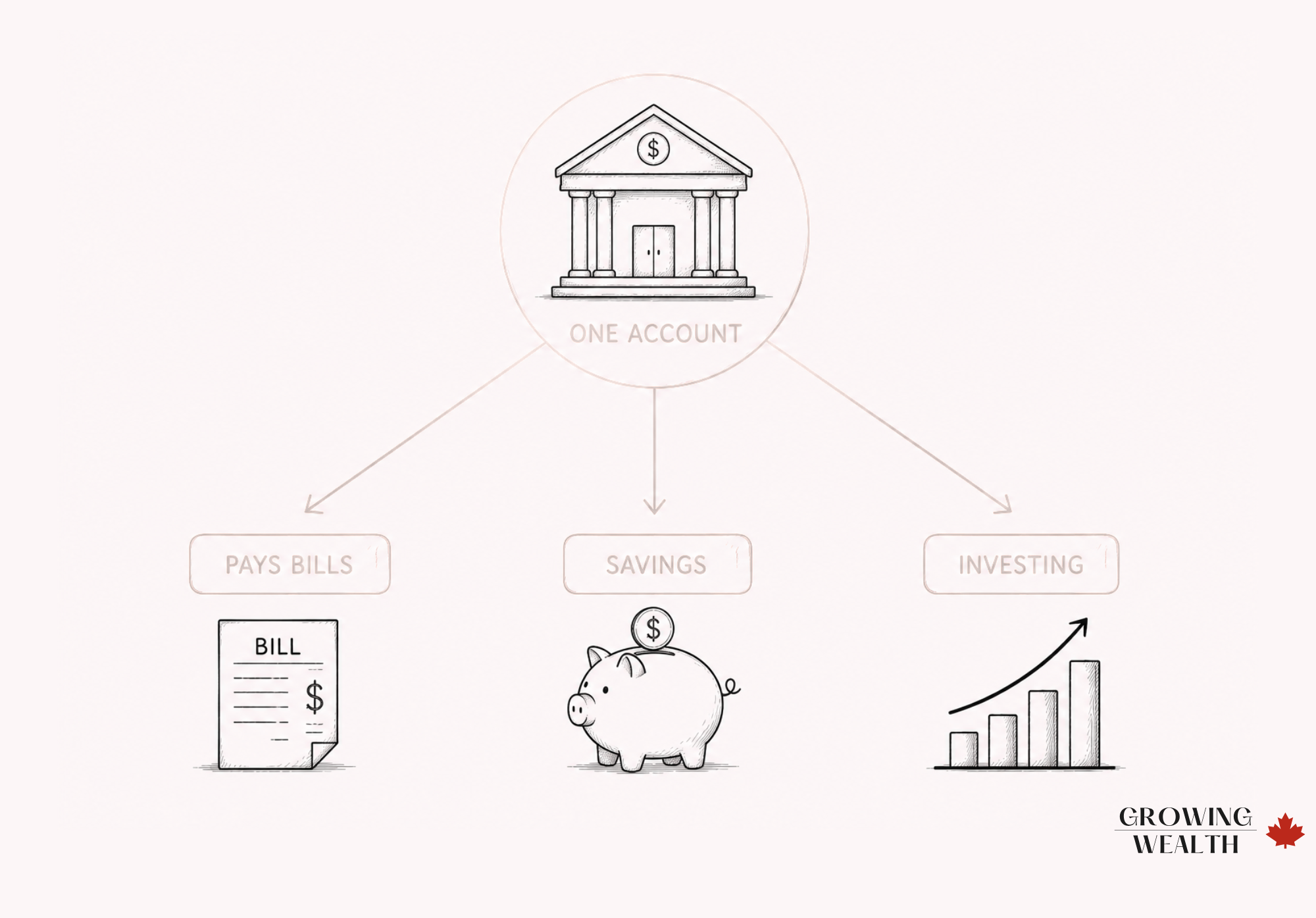
Every automated system needs one account that acts as the hub. Income lands here. Every other transfer, bill payment, and contribution originates from here. It should hold roughly one month of expenses as a buffer, so a mistimed bill or a slightly late paycheque never triggers an NSF fee. For the exact number of accounts to build around this hub and how to divide your money between them, see our guide on how to structure your bank accounts for automation.
Two accounts do this well for Canadian families:
EQ Bank Personal Account
Earns 2.75% (1% base plus a 1.75% bonus) once you set up $2,000 or more in monthly direct deposit, with no monthly fees and CDIC-eligible protection up to $100,000. For a family running $4,000–$6,000 through a chequing account monthly, that’s real interest on money that would otherwise sit at 0% in a traditional bank account.
Neo Chequing Account
$0 monthly fee, $0 NSF fees, and cashback on gas and groceries via the Neo Money™ Card that scales with your balance: 1% at $0, 2% at $5,000, 3% at $10,000. Funds are held in trust at CDIC member institutions (Neo is not itself a CDIC member). Neo also layers in 10,000+ partner cashback locations averaging 5%, up to 15%.
The right choice depends on whether you value interest on idle cash (EQ Bank) or cashback on essential spending (Neo). Some families run both — EQ Bank as the interest-earning hub, Neo Chequing for day-to-day spending on gas and groceries. A family with $8,000/month passing through the account and heavy grocery spending might land on Neo Chequing for the cashback tier; a family holding a larger buffer with less day-to-day card spending typically comes out ahead with EQ Bank’s interest.
Not sure which fits your family best? Our guide to the best bank accounts in Canada compares all of these options side by side, and our best digital banks in Canada guide breaks down the app-based options specifically.
Step 2: Automate Every Bill
Every recurring bill — rent or mortgage, utilities, phone, insurance, daycare — gets set to auto-pay from the Control Centre account, timed two to three days after your typical paycheque lands. This isn’t about losing track of spending; it’s about removing the 15 separate manual actions a month that create the opportunity to forget one.
If a bill doesn’t support auto-pay directly, most banks let you schedule a recurring bill payment or e-transfer instead. There’s no legitimate recurring expense that should require you to remember to pay it.
Step 3: Pay Yourself First, Automatically
The single highest-leverage move in this entire system: a recurring transfer to savings that happens the day your paycheque lands, before you’ve had a chance to spend it. Whatever percentage you’ve decided to save, automate it as a standing instruction, not a monthly choice.
For short-to-medium-term savings (emergency fund, a house down payment, next year’s vacation), a high-interest account is the right home — see our Emergency Fund guide for how much to hold and where. Neo Savings and EQ Bank both support scheduled recurring transfers directly from their apps, so the money moves the same day every month without you touching it.
Step 4: Automate Your Investing
If retirement or long-term investing is part of the plan, set up a recurring contribution to a TFSA or RRSP investment account, not a manual transfer you make “when there’s extra.” Wealthsimple and most Canadian discount brokerages let you schedule automatic contributions on a set day each month, invested automatically into the same fund or portfolio every time.
This matters more than the amount. A family automating $200/month into an index portfolio starting today will, in most market conditions, out-accumulate a family who plans to invest $400/month “once things settle down” and never quite gets there. Consider two families, both earning $110,000 combined: one sets up a $300/month automated RRSP contribution in January and never touches it; the other intends to invest “whatever’s left” and averages closer to $100/month once real life interferes. Over ten years, the gap between those two isn’t a rounding error — it’s the difference automation actually buys.
Step 5: Put Credit Cards on Autopilot, Not on a Leash
Credit cards should be set to auto-pay the full statement balance, every cycle, from the Control Centre account. Paying the minimum automatically is a trap: it guarantees you’ll carry interest. Paying the full balance automatically gets you the rewards without any of the risk.
This is also where the two Neo Financial credit cards intersect with the automation system: Neo’s cards now come in Gas & Grocery, Shop & Dine, and Everywhere versions across the World and World Elite tiers, each with different cashback structures. If you’re deciding which one fits your spending pattern, our best cash back credit cards in Canada guide breaks down the rates by category. For this system, the only rule that matters is that whichever card you choose gets paid in full automatically.
Step 6: Build In a Monthly Review, Not Daily Monitoring
Automation isn’t “set it and forget it forever.” Once a month, spend 15 minutes confirming: bills paid correctly, savings and investing transfers went through, no unexpected charges, credit card paid in full. This is a review, not active management — the system already did the work. You’re just confirming it worked.

Pros and Cons of Automating Your Family Finances
- Removes daily decision fatigue around money
- Eliminates late fees and missed payments caused by forgetting, not by lacking funds
- Guarantees savings and investing happen before lifestyle spending can absorb the money
- Frees up mental space — this is a system families report valuing as much as any dollar figure
- Requires an accurate buffer in the Control Centre account, or automation can trigger overdrafts instead of preventing them
- Doesn’t replace a real look at spending patterns — it’s easy to let automation run while overall spending still creeps upward
- Switching or adding accounts requires an initial setup effort most families keep postponing
Where to Automate
Best if you want your Control Centre account to earn real interest on idle cash.
Open an EQ Bank account →Best if you want cashback on everyday gas and grocery spending built into your hub account.
Open a Neo Chequing account →Best for automating recurring TFSA/RRSP investment contributions without manual transfers.
Open a Wealthsimple account →The Bottom Line
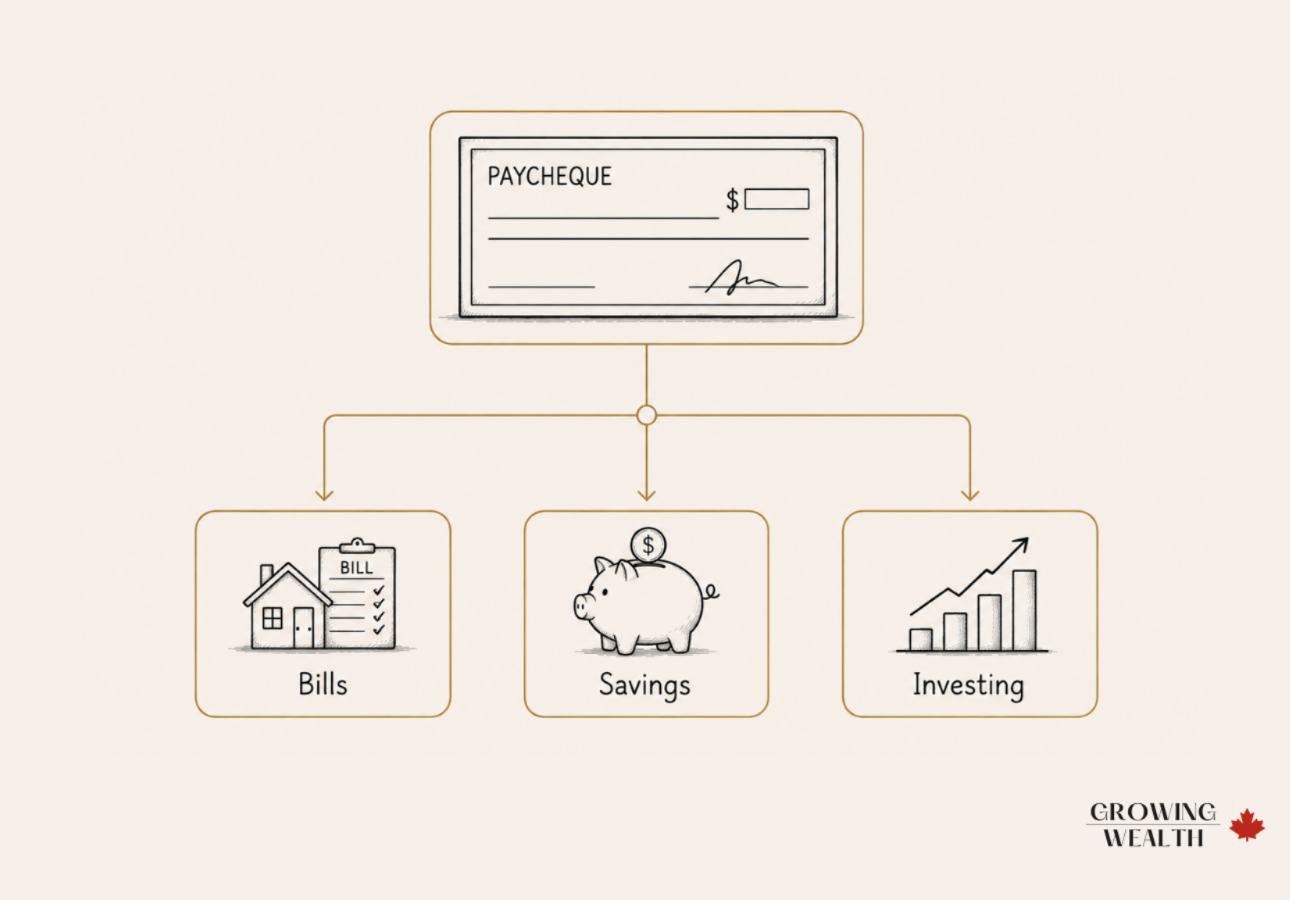
If you do nothing else from this article: open one high-interest chequing account, route your paycheque into it, and automate three transfers out — bills, savings, and investing — the day the money lands. Families earning $70,000–$120,000 household income see the biggest relief from this, because that’s the income range with the most competing obligations and the least slack for manual error.
Once it’s running, the system needs 15 minutes a month, not a spreadsheet.Frequently Asked Questions
Start with your paycheque landing in one Control Centre account, then automate bills before anything else. Bills carry hard penalties for being late; savings and investing don’t. Once bill payments are running cleanly for a full pay cycle, add the savings transfer, then the investing contribution.
It can, and most automation tools won’t stop themselves. Wealthsimple and most Canadian brokerages will keep processing a scheduled contribution even past your contribution room, which triggers a penalty tax from the CRA. Check your remaining RRSP or TFSA room before setting up a recurring contribution, and set a calendar reminder to review it each year as your limits change.
Ask your employer’s payroll or HR department for a direct deposit form, which asks for your transit number, institution number, and account number, all visible in your online banking. Most Canadian payroll systems process this within one to two pay cycles. The same setup works for government benefits like the CCB, GST/HST credit, or CPP and OAS if you’d rather have those land automatically too.
Yes, and this is one of the easiest automations to set up. Contribute $2,500 a year to your child’s RESP (about $210/month) to receive the maximum annual Canada Education Savings Grant of $500. Providers like Embark let you schedule that contribution as a recurring transfer, so the grant is captured every year without you tracking the deadline yourself.
Automate based on your lowest reliable monthly income, then manually top up savings or investing in stronger months. The fixed transfers still happen; you’re just not over-committing against your best month.
Yes. Minimum payments should always be automatic to protect your credit score. Extra debt payments can be automated too, or handled manually if you want flexibility to redirect that money in a slow month.
This is exactly what the buffer in your Control Centre account is for. Review your account monthly specifically to catch amount changes before they become a pattern.
Yes. Each partner can automate their own contributions into a shared account for joint expenses, with individual accounts handling personal spending and individual savings.
Neither is universally better. EQ Bank rewards a higher balance sitting in the account; Neo Chequing rewards everyday gas and grocery spending. Some families use both.
Want to turn what you’ve just learned into lasting results? Read A Simple Family Finance System for Canadians — the framework this automation system runs on top of, if you haven’t built the underlying structure yet. And if habit-building is more the gap than the mechanics, The Power of Financial Habits covers how small, consistent actions compound into real financial freedom.